Generate content from a spoken request
Choose the Generate writing style and describe what you want written — an email invitation, for example. WritingAnt writes the complete text from your spoken request, ready to send.
1:55 min · Opens in full screen · The video is in English.
More instruction videos
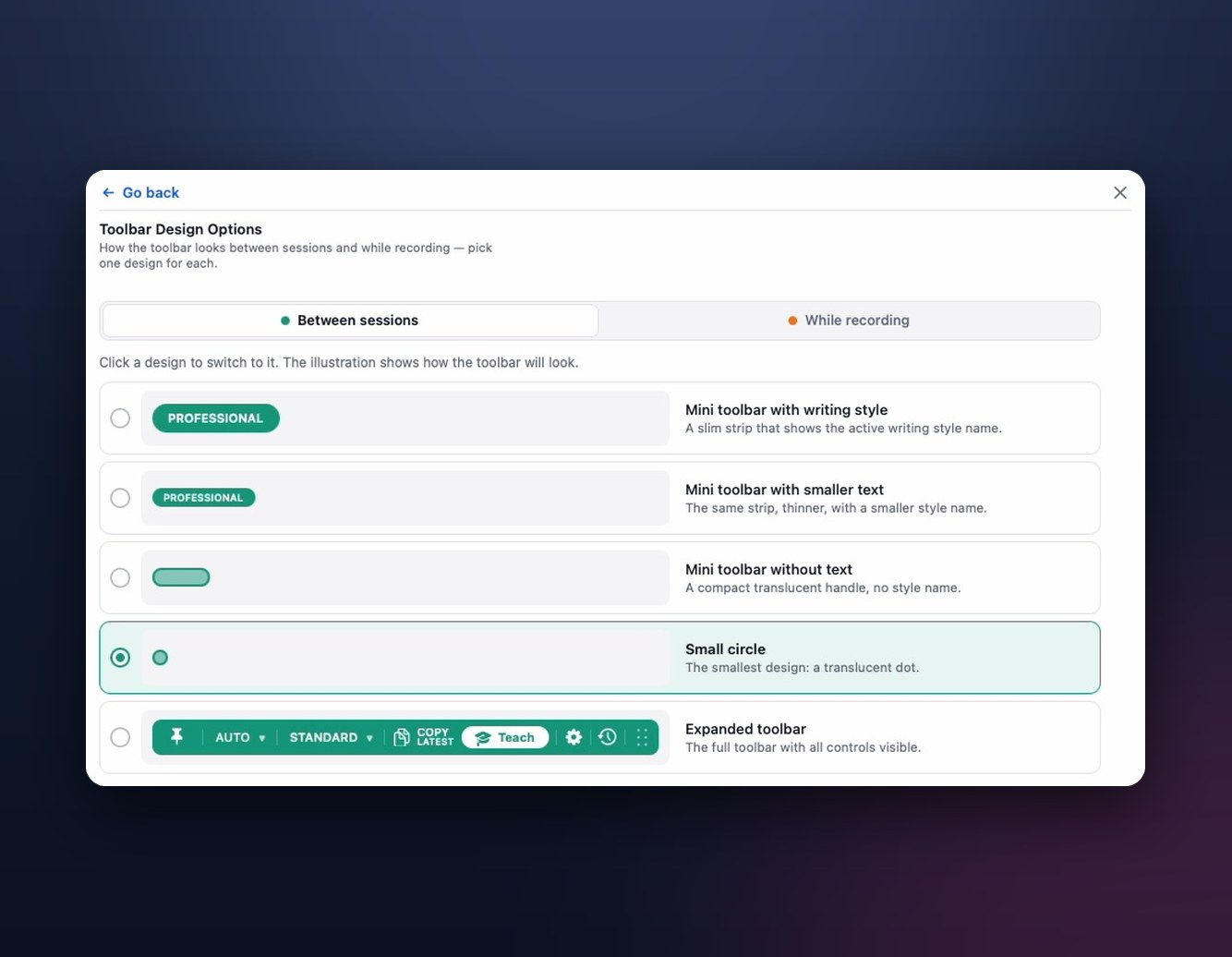
Toolbar design options
See the different design options for the green WritingAnt toolbar. Make it smaller or bigger so it takes up more or less of your screen, depending on your situation — from a small translucent dot to the full toolbar with all controls.
Watch video
2:34
Instruction mode and corrections
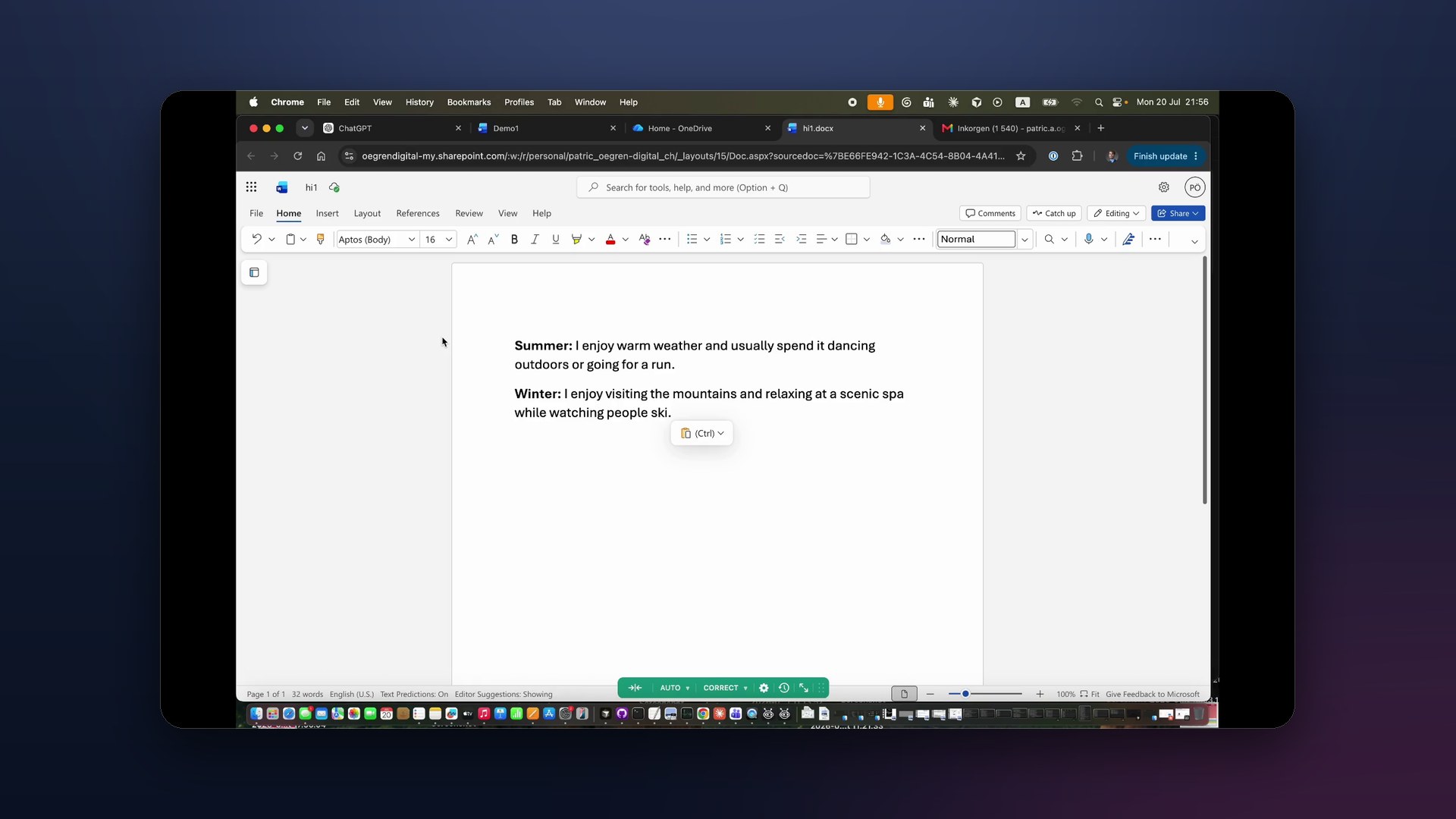
Hold the key at the end of a recording until the toolbar turns blue, then tell WritingAnt how to edit what you just dictated — add a title, emojis, bullet points. The same instructions work on text you wrote earlier with the Correct writing style.
Watch video
3:02